
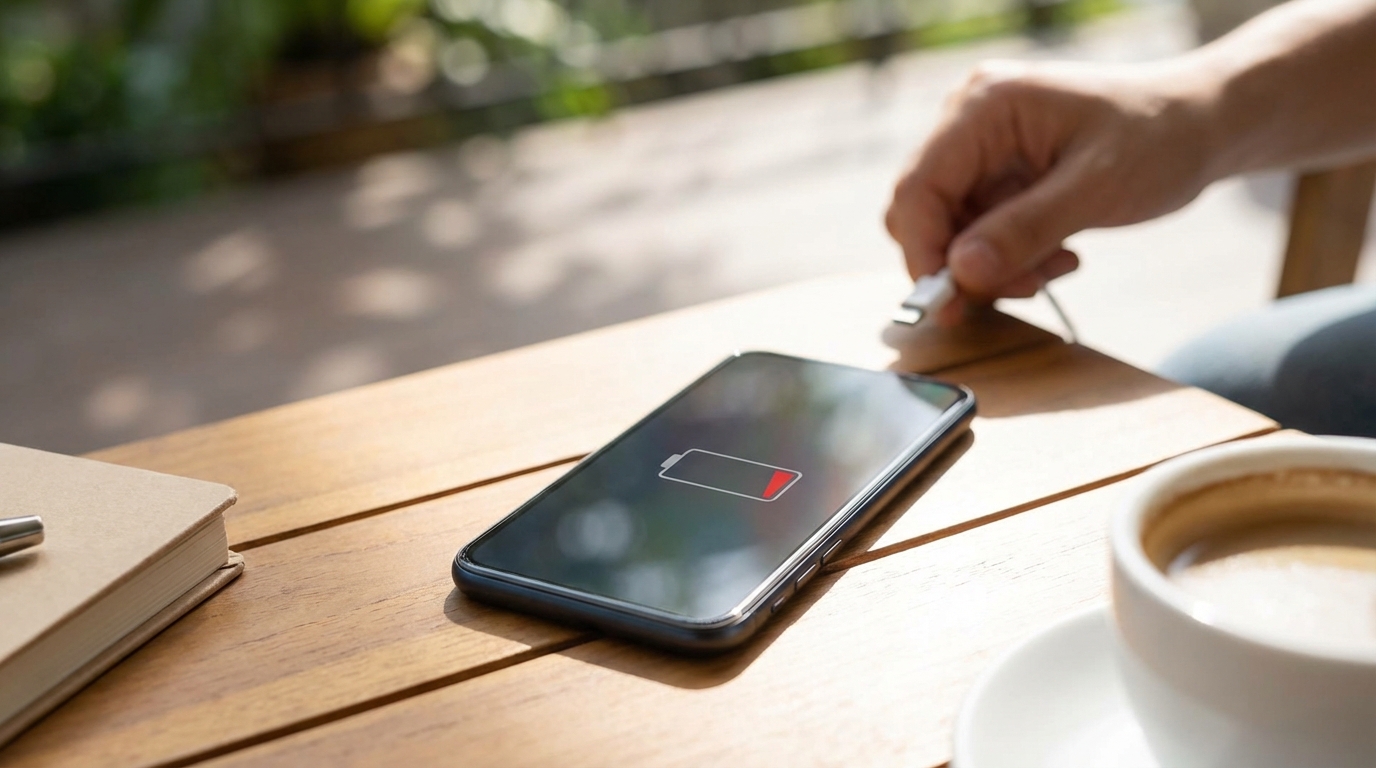
Smartphones have become constant companions, handling communication, work, entertainment, and navigation throughout the day. With so many tasks packed into a small device, it is common to notice the battery draining faster than expected. This article explains the most common settings and apps that use large amounts of power and how they quietly affect battery life.
Screen and Display Settings
The screen is usually the biggest drain on a phone’s battery. Every time the display lights up, it pulls a large amount of power, especially on modern phones with bright and high-resolution screens. Many display features are designed for visual comfort and style, but they often come with a hidden energy cost.
Screen Brightness
High screen brightness is one of the fastest ways to drain a battery. Automatic brightness helps adjust the screen to the environment, but it often keeps the display brighter than necessary. Manually lowering brightness, especially indoors, can significantly reduce power use without hurting readability.
High Refresh Rates
Many newer phones offer refresh rates of 90Hz, 120Hz, or even higher. These settings make scrolling and animations look smoother, but they require the screen to refresh more often. Keeping a high refresh rate active all day can noticeably shorten battery life, especially during casual use.
Always-On Display
An always-on display shows the time, notifications, or other information even when the phone is locked. While designed to use minimal power, it still draws energy continuously. Over many hours, this small drain adds up and can reduce the total time between charges.
Background Apps and Processes
Many apps continue to work even when they are not open on the screen. These background processes update content, track activity, or wait for new information. When too many apps run in the background, the battery drains faster than expected.
Social Media Apps
Social media apps are known for heavy background activity. They frequently refresh feeds, upload data, download media, and send notifications. Even when not actively used, these apps can consume power throughout the day.
Navigation and Map Apps
Navigation apps rely on GPS, data connections, and screen activity all at once. When left running in the background after a trip, they may continue tracking location. This constant activity can drain the battery quickly if not closed properly.
Messaging and Calling Apps
Messaging apps often stay active to deliver messages instantly. Some apps also sync media files or back up conversations in the background. While convenient, this constant readiness can slowly reduce battery life over time.
Network and Connectivity
Wireless connections play a major role in battery usage. Phones are always searching for signals, switching networks, and maintaining connections. Poor signal conditions or unnecessary connections can cause extra power drain.
Weak Cellular Signal
When a phone struggles to maintain a signal, it uses more power to stay connected. This often happens in rural areas, buildings with thick walls, or underground spaces. The phone works harder to communicate with cell towers, which drains the battery faster.
Wi-Fi and Bluetooth
Leaving Wi-Fi and Bluetooth on at all times can increase battery usage. Even when not connected, the phone scans for available networks and devices. Turning these features off when not needed can help conserve power.
5G Connectivity
5G networks offer faster speeds but can use more energy than older network types. Phones may switch between 4G and 5G frequently, which increases power consumption. In areas with limited 5G coverage, this switching can be especially draining.
Location Services
Location tracking is useful for maps, weather, and local recommendations. However, constant access to location data requires GPS, Wi-Fi, and cellular signals to work together. This combination can have a strong impact on battery life.
High-Accuracy GPS Mode
High-accuracy location modes use multiple sensors to pinpoint location. While precise, this mode consumes more power than basic GPS. Many apps do not need exact location details to function properly.
Location Access for Multiple Apps
Some apps request location access even when it is not essential. When several apps track location in the background, the battery drains faster. Limiting location access to only necessary apps can make a noticeable difference.
Notifications and Syncing
Notifications help users stay informed, but they also wake the phone frequently. Each alert lights up the screen, activates sensors, and may trigger sound or vibration. Over time, frequent notifications add to battery drain.
Push Email and Messaging
Push email services constantly check for new messages. This keeps the phone active throughout the day, even when no messages arrive. Switching to manual or scheduled email checks can reduce unnecessary power use.
Cloud Sync Services
Cloud services sync photos, files, and app data automatically. Large uploads or downloads can occur without notice, especially over cellular data. These background transfers use both processing power and network energy.
Battery Health and Age
All phone batteries wear out over time. As batteries age, they hold less charge and deliver power less efficiently. This natural aging process often makes phones feel like they lose battery faster.
Lithium-Ion Battery Degradation
Lithium-ion batteries degrade with every charge cycle. After hundreds of cycles, the battery’s maximum capacity drops. This means the phone may still show 100 percent, but that charge does not last as long as it once did.
Charging Habits
Frequent full discharges and overnight charging can affect battery health. Heat generated during charging also contributes to wear. Better charging habits can slow down battery aging and improve daily performance.
Software Updates and Bugs
Software plays a major role in how efficiently a phone uses power. Updates often include improvements, but they can also introduce issues. Battery drain sometimes increases after system or app updates.
Operating System Updates
After a system update, phones may run background tasks like reindexing files. These tasks temporarily increase power usage. Battery life often improves again after the update process fully completes.
Buggy or Poorly Optimized Apps
Some apps are not well optimized and use more resources than necessary. A single faulty app can drain the battery quickly. Monitoring battery usage by app can help identify these problems.
Sensors and Built-In Features
Smartphones include many sensors that work quietly in the background. These sensors improve user experience but also consume energy. When many features run at once, the battery drains faster.
Camera and Microphone Access
Apps that access the camera or microphone use significant power. Video recording, video calls, and voice assistants are especially demanding. Leaving such apps running can shorten battery life quickly.
Motion and Fitness Tracking
Fitness and health apps use motion sensors throughout the day. Constant step counting or activity tracking keeps sensors active. While useful, these features contribute to ongoing battery drain.
Environmental Factors
External conditions can also affect how long a battery lasts. Temperature plays a major role in battery performance. Extreme environments can cause faster battery loss.
Cold Temperatures
Cold weather reduces a battery’s ability to deliver power. Phones may shut down or lose charge quickly in low temperatures. Battery performance usually returns to normal once the device warms up.
Hot Temperatures
Heat increases chemical activity inside the battery, which can cause faster drain and long-term damage. Using a phone in direct sunlight or while charging can raise temperatures. Over time, heat exposure reduces overall battery health.
User Habits and Daily Use
How a phone is used each day strongly affects battery life. Certain activities require much more power than others. Understanding these habits helps explain sudden drops in battery percentage.
Streaming and Video Playback
Watching videos keeps the screen, speakers, and data connection active. High-definition streaming uses even more power. Long streaming sessions can drain a battery in just a few hours.
Gaming and Heavy Graphics
Mobile games often use powerful graphics and constant processing. This pushes the phone’s processor and screen to their limits. Gaming sessions are among the fastest ways to reduce battery life.
Important Settings to Review
Many battery-draining features can be controlled through system settings. Reviewing these options can reveal hidden sources of power use. The following settings often have a noticeable impact on battery life.
- Screen brightness and auto-brightness behavior
- Refresh rate and display motion settings
- Background app refresh permissions
- Location access and accuracy levels
- Push notifications and sync frequency
Adjusting these settings does not usually reduce core phone functions. Small changes across several settings can add up to longer battery life. Regularly reviewing these options helps keep power usage under control.
Managing Apps More Effectively
Apps are at the center of most battery issues. Some apps are essential, while others are rarely used but still active. Managing app behavior can reduce unnecessary battery drain.
- Uninstalling unused or rarely opened apps
- Restricting background activity for high-drain apps
- Disabling notifications from non-essential apps
- Updating apps to improve efficiency
Keeping apps organized and up to date helps the phone run more efficiently. Apps that are no longer needed should not be allowed to consume resources. Regular app maintenance supports better battery performance throughout the day.