
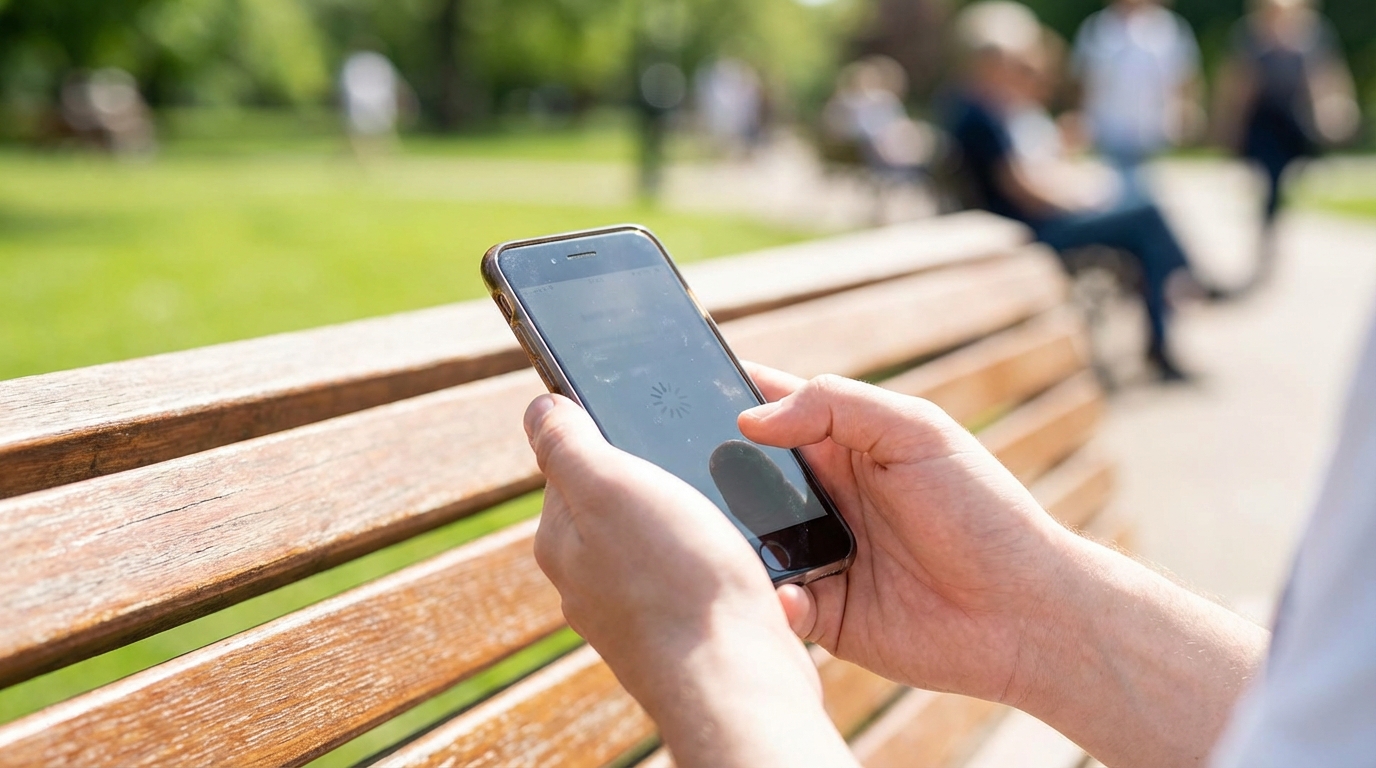
Many people notice that their phone feels slower than it did when it was new, even if it is only a few years old. Apps take longer to open, scrolling feels less smooth, and simple tasks seem to require more waiting. This experience can be frustrating, especially when the phone still looks fine on the outside. The reasons behind this slowdown are usually a mix of software, hardware, and everyday usage habits rather than a single problem.
Modern smartphones are complex devices that handle many tasks at once. They run powerful apps, stay connected to networks, and manage background processes all day long. Over time, this constant workload can reveal limits in storage, memory, battery health, and system design. Understanding these factors makes it easier to decide what can be fixed with simple steps and what may be part of normal aging.
Background Apps and Multitasking
One of the most common reasons a phone feels slow is the number of apps running in the background. Many apps continue to work even when they are not open on the screen. They check for updates, sync data, track location, or send notifications. Each of these actions uses a small amount of processing power and memory, which can add up.
When too many background apps are active, the phone has less memory available for the app currently being used. This can cause delays, stuttering animations, or apps restarting when switching between them. Phones are designed to manage this automatically, but heavy multitasking can push those limits. The effect is more noticeable on older devices with less memory.
How Background Services Use Resources
Background services are parts of apps that run without direct user interaction. Examples include music streaming apps buffering songs, email apps checking for new messages, and social media apps refreshing feeds. Each service uses a portion of the phone’s processor and memory. Individually, they seem harmless, but together they can slow the system.
Some apps are more demanding than others, especially those that rely on location tracking or real-time updates. Navigation, fitness tracking, and ride-sharing apps often stay active longer than expected. Over time, these background services can reduce overall performance and make the phone feel less responsive during everyday tasks.
Limited Storage Space
Storage space plays a major role in how fast a phone feels. When storage is nearly full, the operating system has less room to manage temporary files and system data. This can slow down app launches, file access, and system updates. Many users only think of storage in terms of photos and videos, but system processes also need space.
Phones use storage not just to save files but also to support memory functions. When memory fills up, the system may use storage as a temporary workspace. If storage is tight, this process becomes slower. As a result, even simple actions like opening the camera or switching apps can take longer than expected.
The Role of Cached Data
Cached data is temporary information saved by apps to load content faster. Over time, caches can grow quite large, especially for social media, browsers, and streaming apps. While caching is meant to improve speed, too much cached data can have the opposite effect. It can take up valuable storage space and slow down app performance.
Clearing cache occasionally can free up space and resolve minor performance issues. This does not usually delete important personal data, but it can cause apps to reload content the next time they open. Managing cached data is one of the simplest ways to improve responsiveness on a phone that feels sluggish.
Software Updates and System Changes
Software updates often add new features, security fixes, and design changes. While these updates are important, they can also place higher demands on hardware. Newer software versions are usually designed with newer devices in mind. Older phones may struggle to run these updates as smoothly.
As operating systems evolve, they may require more processing power and memory. This does not mean updates are meant to slow down devices, but the added complexity can have that effect. Over time, the gap between software requirements and hardware capabilities becomes more noticeable.
Compatibility with Older Hardware
Older processors and limited memory can have trouble keeping up with modern software features. Animations, background effects, and advanced security processes all require resources. On newer phones, these tasks happen quickly and smoothly. On older phones, they can cause delays or stuttering.
App developers also update their apps to match the latest operating systems. These updates may drop support for older hardware optimizations. As a result, apps that once ran smoothly may begin to feel heavier and slower after several updates.
Battery Health and Performance Limits
Battery health is a less visible but very important factor in phone performance. As batteries age, they lose their ability to hold a full charge. This affects not only how long the phone lasts but also how it performs. A worn battery may struggle to provide enough power during demanding tasks.
To prevent sudden shutdowns, phones may reduce performance when battery health declines. This is a protective measure designed to keep the device stable. While it helps avoid crashes, it can make the phone feel slower during normal use.
Power Management Systems
Modern phones include power management systems that balance performance and battery life. When the battery is weak or cold, the system may limit processor speed. This can happen automatically without any clear warning to the user. The result is reduced performance during tasks that once felt fast.
Replacing an old battery can sometimes restore much of the phone’s original speed. This shows how closely battery health and performance are linked. Many users are surprised by how much smoother a phone feels after a battery replacement.
Network Conditions and Connectivity
Not all performance issues are caused by the phone itself. Network conditions can make apps feel slow, even when the device is working properly. Apps that rely on internet access may load slowly if the connection is weak or unstable. This can be mistaken for a general performance problem.
Switching between networks, such as moving from Wi-Fi to cellular data, can also cause brief delays. Apps may pause while reconnecting or reloading data. These small interruptions can add up and make the phone seem less responsive.
Wi-Fi Versus Cellular Data
Wi-Fi networks vary widely in speed and reliability. A crowded or poorly configured network can slow down app performance. Cellular data speeds also change depending on signal strength and network congestion. Even a fast phone can feel slow on a weak connection.
Testing performance on different networks can help identify whether connectivity is part of the problem. If apps feel fast on one network but slow on another, the issue is likely related to the connection rather than the phone’s hardware or software.
Hardware Aging and Wear
All electronic components wear down over time. Processors, memory chips, and storage are designed to last for years, but they are not immune to aging. Heat, heavy use, and time can reduce their efficiency. This gradual decline can contribute to slower performance.
Storage components, in particular, can slow down after many write cycles. As data is written and erased repeatedly, access speeds may decrease. This can affect app loading times and system responsiveness, especially on older devices.
Thermal Throttling
Heat is a major enemy of performance. When a phone gets too warm, it may reduce processor speed to cool down. This process is known as thermal throttling. It helps protect the hardware but can make the phone feel much slower during intensive tasks.
High temperatures can come from gaming, video recording, or using the phone in hot environments. Over time, frequent overheating can make throttling more common. Keeping the phone cool can help maintain better performance.
User Habits and Daily Usage
How a phone is used every day has a strong impact on how fast it feels. Installing many apps, keeping dozens of browser tabs open, and allowing constant notifications can strain system resources. These habits often build up gradually, making the slowdown feel sudden even though it developed over time.
Customization options like live wallpapers, animated widgets, and constant syncing can also affect performance. While each feature may seem small, together they can create a noticeable load on the system. Adjusting these habits can lead to visible improvements.
Notifications and Syncing
Notifications require apps to check for updates frequently. Email, messaging, and social media apps may sync data many times an hour. This constant activity uses processing power and network resources. Over time, it can reduce battery life and slow down performance.
Limiting notifications and adjusting sync settings can reduce background activity. This does not mean missing important updates, but it does mean giving the system more breathing room. A quieter phone often feels faster and more responsive.
Simple Fixes That Can Help
Many performance issues can be improved with basic maintenance steps. These actions do not require technical knowledge and can be done in a few minutes. They focus on reducing unnecessary load and giving the system more available resources. Even small changes can make a noticeable difference.
Before assuming a phone is too old, it is worth trying these simple fixes. They can extend the useful life of a device and improve everyday comfort. Regular maintenance also helps prevent future slowdowns.
Common Maintenance Steps
The following actions are often effective at improving phone performance. They address the most common causes of slowdowns without affecting personal data. Doing them periodically can help keep the system running smoothly.
- Restarting the phone to clear temporary processes and memory.
- Deleting unused apps that take up storage and run background services.
- Clearing cached data for heavy apps like browsers and social media.
- Updating apps to ensure compatibility and bug fixes.
- Checking storage usage and freeing up space when needed.
These steps work best when combined rather than done in isolation. Restarting clears short-term issues, while storage management addresses long-term limits. Together, they can restore some of the speed that seemed lost over time.
When Performance Limits Are Reached
Even with good maintenance, every phone has limits. Hardware designed years ago cannot match the demands of modern apps forever. At some point, slowdowns may reflect the natural end of the device’s performance lifespan. This does not mean the phone is broken, but it may no longer meet current expectations.
Recognizing these limits can help set realistic expectations. Some tasks may always feel slower, no matter how carefully the phone is managed. Understanding this can reduce frustration and help guide future decisions.
Signs That Hardware Is the Main Issue
Certain signs suggest that slow performance is mostly due to hardware age. These include long app launch times even after a restart, frequent stuttering during basic tasks, and poor performance across all apps. Battery drain combined with slow speed is another strong indicator.
In these cases, software fixes may offer only limited improvement. The phone may still work for basic communication and light use, but demanding tasks will remain slow. Knowing this helps users decide how to adjust usage or plan for a future upgrade.