
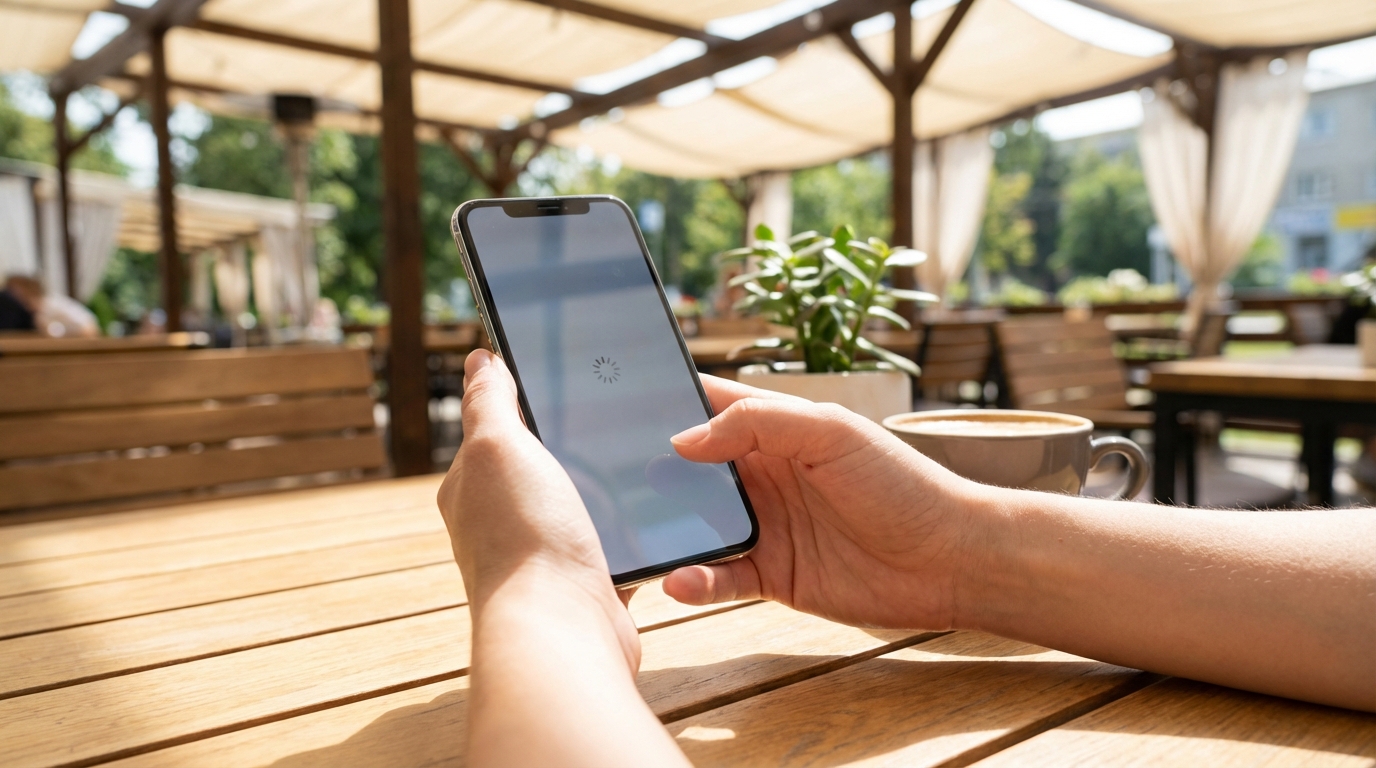
Many people notice that a phone that once felt fast and smooth can start to feel slow over time. Apps take longer to open, scrolling feels less fluid, and simple tasks may hesitate or freeze. This change often feels sudden, but it is usually the result of several small factors building up over months or years. Understanding why a phone slows down can make the experience less frustrating and help guide smarter choices about maintenance and upgrades.
Phones are complex computers that run many processes at once. They depend on software updates, background services, storage space, and hardware that slowly wears down. Even careful users can experience slowdowns because the modern mobile ecosystem is always changing. New apps, new features, and new expectations often push older devices closer to their limits.
How Phones Change Over Time
When a phone is new, its hardware and software are well matched. The operating system is designed to run smoothly on that specific processor, memory size, and battery condition. Early on, there is usually plenty of free storage and few background tasks competing for resources. This creates a fast and responsive experience.
Over time, the balance shifts. Software updates add new features, apps grow more complex, and personal data accumulates. Each change on its own may seem small, but together they increase the workload on the device. The phone still works, but it has to work harder to deliver the same results.
Software Updates and Growing Demands
Operating system updates are important for security, stability, and new features. However, they often require more processing power and memory than older versions. A phone released several years ago may still receive updates, but those updates are often optimized for newer hardware.
As the system grows more complex, older processors can struggle to keep up. Animations may stutter, and background tasks may take longer to complete. This does not mean updates are bad, but it explains why performance can change after installing them.
Feature Expansion Over Time
Modern phone software includes features like advanced camera processing, voice assistants, and real-time security scanning. These features run continuously or activate in the background. On newer phones, this is barely noticeable, but older devices may feel the impact.
Each added feature uses a small amount of memory and processing power. Over time, the total demand grows. The phone may still handle tasks correctly, but it may take longer to switch between apps or respond to touch.
App Bloat and App Updates
Apps rarely stay the same size or complexity. Developers add new features, redesign interfaces, and include more background services. While these updates can improve functionality, they also increase the resources each app needs.
A phone that once handled a set of apps easily may struggle when those same apps become heavier. Social media, navigation, and messaging apps are common examples. They often run background processes for notifications, location tracking, and data syncing.
Unused Apps Still Taking Resources
Even apps that are rarely opened can affect performance. Some continue to run background tasks or check for updates. Others store data that takes up valuable storage space.
As the number of installed apps grows, the phone has more to manage. This can slow down system tasks like app switching and startup times, especially on devices with limited memory.
Storage Space Filling Up
Free storage space is essential for smooth performance. Phones use available storage not only for files but also for temporary data and system operations. When storage is nearly full, the phone has less room to work efficiently.
Photos, videos, downloaded files, and cached data all add up. Even messaging apps can store large amounts of media over time. When storage runs low, tasks like opening apps or saving new files can slow down.
Why Low Storage Affects Speed
Operating systems rely on temporary files to manage memory and processes. With limited free space, the system cannot create or manage these files as effectively. This leads to delays and occasional freezes.
Some phones also reduce performance intentionally when storage is critically low. This helps prevent data corruption but can make the device feel sluggish during everyday use.
Battery Aging and Performance Limits
Phone batteries degrade naturally with each charge cycle. Over time, they hold less charge and deliver power less efficiently. This change is gradual, but it has a direct effect on performance.
When a battery can no longer provide stable power, the system may limit performance to prevent unexpected shutdowns. This can reduce processor speed and make tasks take longer.
Power Management Systems
Many phones include built-in power management features. These systems monitor battery health and adjust performance to maintain stability. While this protects the device, it can feel like a slowdown to the user.
These limits are more noticeable during demanding tasks like gaming, video recording, or multitasking. The phone may still function normally for basic use but struggle under heavier loads.
Background Processes and Multitasking
Modern phones are designed to multitask. They handle notifications, location services, data syncing, and system checks all at once. Each process uses a small amount of resources.
As more services run in the background, fewer resources are available for active tasks. This can make apps open more slowly and reduce overall responsiveness.
Notifications and Sync Services
Email, social media, and cloud services often sync automatically. They check for new data at regular intervals. While convenient, this constant activity adds to the system load.
On older phones, the cumulative effect of these services can be noticeable. Reducing unnecessary background activity can help free up resources.
Hardware Limitations Becoming Clearer
Phone hardware does not change, but software expectations do. Processors, memory, and storage speeds that were once impressive can become modest over time. This gap becomes more obvious as apps and systems advance.
Newer phones often include faster storage, more memory, and more efficient processors. Older devices simply cannot match these improvements, even when functioning correctly.
Memory Constraints
Limited memory can force a phone to close background apps more often. This leads to slower app switching and more frequent reloads. Users may notice that apps restart instead of resuming where they left off.
This behavior is a sign that the phone is managing its resources carefully. It helps prevent crashes but can reduce the feeling of smoothness.
Network Changes and Perceived Slowness
Not all slowdowns come from the phone itself. Changes in network conditions can make a device feel slower. Apps that rely on internet access may take longer to load or update.
As services move to faster networks and higher-quality content, older network hardware may struggle. This can affect browsing, streaming, and cloud-based apps.
App Dependence on Online Services
Many apps now depend heavily on cloud servers. Delays in communication can appear as slow app performance. The phone may be waiting for data rather than processing slowly.
This type of slowdown can vary by location and time. It may seem inconsistent, which adds to the frustration.
What Can Help Improve Performance
Several practical steps can help reduce slowdowns. These steps do not make an old phone new, but they can improve daily usability. Small changes often add up to noticeable improvements.
Before making changes, it helps to identify the main causes. Storage, battery health, and app behavior are common areas to review.
The following actions are commonly recommended because they address multiple performance factors:
- Removing unused apps and clearing app caches.
- Freeing up storage by deleting old files and media.
- Reducing background activity and unnecessary notifications.
- Keeping apps updated but reviewing major system updates carefully.
- Checking battery health and replacing the battery if needed.
Each of these steps targets a different source of slowdown. Together, they can make a phone feel more responsive without requiring advanced technical knowledge.
Managing Apps More Carefully
Apps have a large impact on performance. Reviewing which apps are truly needed can reduce background activity and free up memory. Many people are surprised by how many apps they rarely use.
Disabling or uninstalling unused apps can also reduce update activity. Fewer updates mean less background work and more available resources for active tasks.
Lightweight Alternatives
Some services offer lighter versions of their apps. These versions use less storage and fewer background processes. They may not include every feature, but they often run more smoothly on older devices.
Using web versions of certain services can also reduce app-related load. This shifts some work away from the phone and onto the browser.
Storage Cleanup as Ongoing Maintenance
Storage cleanup is not a one-time task. Photos, videos, and downloads continue to accumulate. Regularly reviewing and removing unnecessary files helps maintain performance.
Cloud storage can also reduce local storage use. Moving older files off the device frees space for system operations and newer content.
Understanding Cached Data
Cached data helps apps load faster, but it can grow very large. Clearing cache occasionally can free significant space. This is especially true for media-heavy apps.
Clearing cache does not usually delete important information. It removes temporary files that can be recreated when needed.
Battery Health and User Experience
Battery health affects more than battery life. As batteries age, performance limits become more common. Understanding this relationship helps explain sudden slowdowns.
Replacing an aging battery can restore some lost performance. It allows the system to run at higher speeds without risking shutdowns.
Charging Habits and Long-Term Effects
Charging habits influence how quickly a battery degrades. Frequent deep discharges and high heat can accelerate aging. While this happens over time, it contributes to performance changes.
Modern phones manage charging more intelligently, but no battery lasts forever. Recognizing this helps set realistic expectations.
When a New Phone Feels Faster
A new phone often feels dramatically faster, even when doing the same tasks. This is partly due to improved hardware and partly due to a clean software environment. There are fewer apps, less data, and a fresh battery.
This contrast can make an older phone feel slower than it really is. The difference highlights how much conditions have changed rather than pointing to a single failure.
Resetting as a Temporary Measure
Some people choose to reset their phone to factory settings. This removes accumulated data and apps, returning the system to a cleaner state. Performance often improves afterward.
However, this approach requires careful backups and setup. It addresses software clutter but does not change hardware limitations.
Balancing Expectations With Reality
Phones are used more intensely today than in the past. Tasks like video streaming, real-time navigation, and constant communication place steady demands on hardware. What felt fast years ago may now feel average.
Understanding this shift helps explain why slowdowns feel unavoidable. Phones are still improving, but the demands placed on them are growing just as quickly.
Design Choices and Longevity
Manufacturers design phones with a balance of cost, performance, and lifespan. Some devices are built to last longer than others. This affects how well they age.
Mid-range and entry-level phones may show slowdowns sooner than high-end models. This difference is often tied to memory size and processor capability.
Ongoing Changes in the Mobile Ecosystem
The mobile ecosystem continues to evolve. New app categories, security requirements, and user expectations shape how phones are designed and used. Older devices remain part of this system, even if they were not built for it.
This constant change means that performance is a moving target. Phones do not slow down for a single reason, but because they exist in an environment that keeps asking more of them.
Security and Background Protection
Security features now run continuously to protect user data. Real-time scanning, encryption, and permission checks add overhead. These features are essential but use system resources.
As security standards rise, older hardware may struggle to keep up. The result is a phone that feels slower but is also safer.
Understanding Slowdowns as a Combination of Factors
No single change usually causes a phone to feel slow. Instead, it is the combination of software growth, storage use, battery aging, and background activity. Each factor adds a small delay.
Recognizing this combination helps set realistic expectations. Improvements are possible, but they often come from addressing several areas at once rather than finding one quick fix.
Awareness Leading to Better Choices
Knowing why a phone feels slower can influence how it is used and maintained. Small habits, like managing apps and storage, can extend the useful life of a device. These habits reduce frustration and improve daily performance.
This awareness also helps when deciding whether to repair, reset, or replace a phone. Understanding the reasons behind slowdowns provides context for those decisions.