
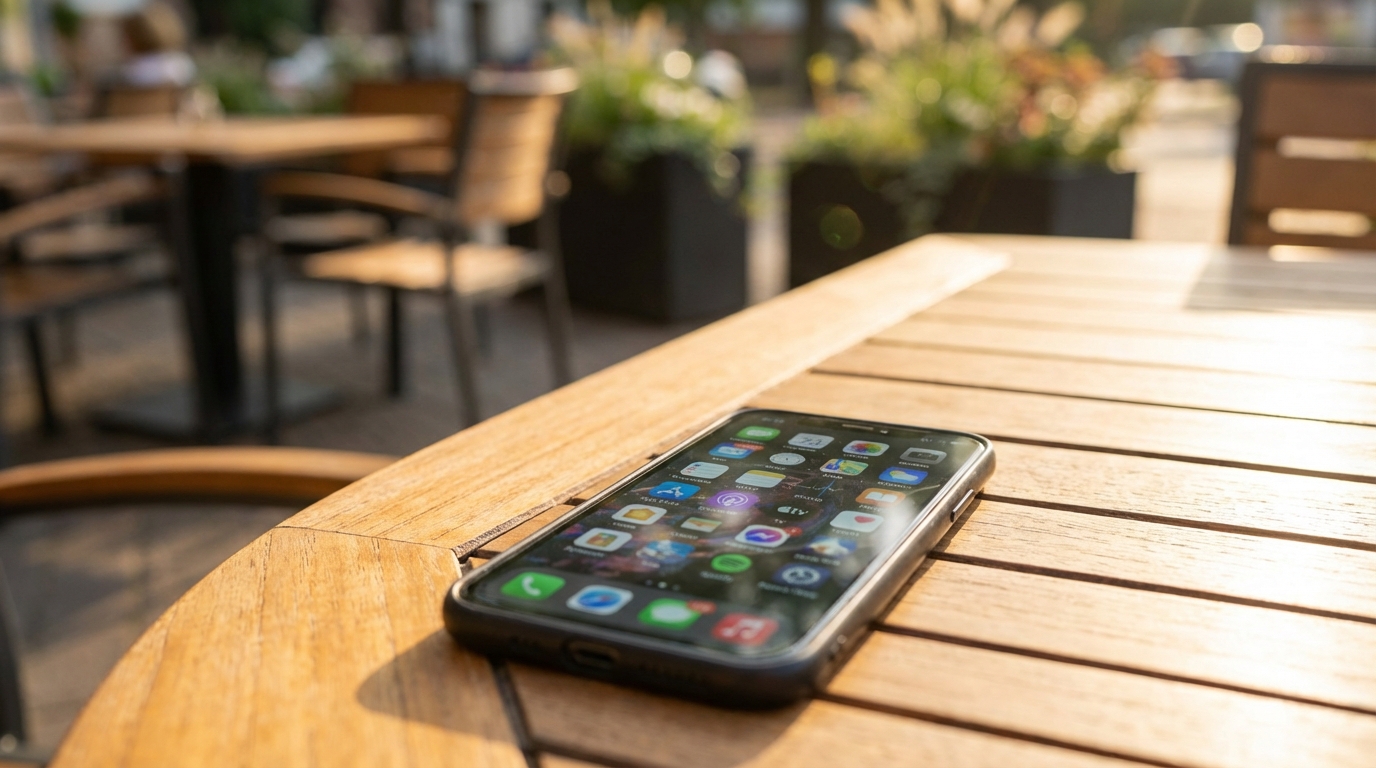
Smartphones and tablets are designed to make daily tasks easier, faster, and more enjoyable. Over time, however, many devices become packed with apps that are rarely used or completely forgotten. These extra apps may seem harmless, but they quietly affect how a device works. Understanding how unused apps impact speed, battery life, and storage can help explain why devices often feel slower as time goes on.
Apps are small pieces of software, but each one takes up space and system attention. Even when an app is not opened, parts of it may still run in the background or wait for updates. When dozens or even hundreds of apps pile up, the combined effect can be noticeable. This article explores the many ways too many apps can cause problems and why keeping them under control matters.
How Apps Accumulate Over Time
Most people download apps for specific moments, such as a trip, a special event, or a short-term need. Once that moment passes, the app often stays on the device. Over months and years, these forgotten apps slowly build up without much notice. App stores make downloading easy, but removing apps usually requires a deliberate choice.
Another reason apps accumulate is pre-installed software. Many devices come with apps that cannot be easily removed or are never used by the owner. These apps still take up storage and may run background services. Together with user-downloaded apps, they create a crowded digital environment that affects overall device performance.
Habit and Convenience
People often keep apps “just in case” they are needed again. This habit feels safe, but it adds to clutter over time. The convenience of having an app available can outweigh the small effort needed to delete it. As a result, devices end up holding far more apps than are actively used.
Free apps also encourage this behavior. Since there is no cost to download them, there is little reason to think twice before installing. The hidden cost appears later, when performance and battery life begin to suffer.
Storage Space and Why It Matters
Storage is one of the most obvious ways unused apps cause problems. Each app takes up space not only for the app itself but also for its data, cache files, and updates. Photos, videos, and messages must compete with these apps for limited storage. When storage runs low, devices struggle to work efficiently.
Low storage can lead to warning messages, failed updates, and trouble saving new files. Devices may slow down because the system has less room to manage temporary files. Even simple tasks can take longer when storage space is tight.
Hidden App Data
Many apps store extra data over time, such as saved settings, offline content, or user history. This data can grow quietly in the background without any clear sign. An app that seems small at first can become much larger after months of use.
Unused apps often keep this data even when they are no longer opened. Without regular cleanup, this hidden data adds to storage pressure and reduces available space for things that actually matter.
Device Speed and Performance Slowdowns
Too many apps can slow down a device in several ways. The operating system must manage all installed apps, even if they are not open. This management uses memory and processing power. When resources are spread too thin, performance drops.
Slow performance shows up as lag, delayed responses, and longer loading times. Switching between apps may feel less smooth. Over time, these small delays can make using the device frustrating.
Memory Usage
Random access memory, or RAM, is used to keep apps ready to run. Some apps stay partially active in memory so they can open faster. When too many apps compete for RAM, the system has to constantly close and reopen them.
This constant juggling can cause stutters and pauses. Devices with less RAM are especially affected, but even newer devices can slow down when overloaded with apps.
Battery Drain from Unused Apps
Battery life is another major area affected by too many apps. Even when not in use, some apps continue to perform tasks in the background. These tasks include checking for updates, syncing data, or tracking location.
Each background activity uses a small amount of power. When many apps do this at the same time, the battery drains faster. Users may notice that their device no longer lasts as long on a single charge.
Background Processes
Background processes are designed to make apps more helpful and responsive. For example, a messaging app checks for new messages so notifications arrive quickly. When dozens of apps try to do similar things, the battery pays the price.
Unused apps with background permissions can be especially wasteful. Since they provide no real benefit, their energy use feels unnecessary and frustrating.
Impact on System Updates
System updates are important for security, new features, and bug fixes. When a device is filled with apps, updates become harder to install. Large updates need free storage space to download and unpack.
If there is not enough space, updates may fail or be delayed. This leaves the device running older software that may be slower or less secure. Over time, missing updates can create bigger problems than expected.
App Update Overload
In addition to system updates, apps themselves require frequent updates. Each update uses data, storage, and processing power. When many unused apps update regularly, the process can slow down the device.
Automatic updates may happen in the background, adding to battery drain and data usage. This can be especially noticeable on older devices or slower internet connections.
Notifications and Distractions
Unused apps often continue to send notifications. These alerts may include promotions, reminders, or news updates. While some notifications are useful, too many can become overwhelming.
Constant notifications distract from important messages and tasks. They also cause the screen to turn on more often, which uses extra battery power. Managing notifications becomes harder when many apps compete for attention.
Mental Clutter
Beyond technical issues, app overload creates mental clutter. Scrolling through pages of icons makes it harder to find the apps that are actually needed. This small inconvenience adds friction to everyday use.
A cluttered home screen can make a device feel less organized and less personal. Reducing unused apps often leads to a cleaner, calmer experience.
Security and Privacy Concerns
Every installed app is a potential security risk. Apps may request permissions to access contacts, location, camera, or microphone. Even if an app is unused, it may still hold these permissions.
Outdated apps are especially risky. If they are no longer updated, security flaws may remain unpatched. This creates openings for malware or data leaks.
Permission Creep
Over time, apps may gain more permissions through updates. Users often accept these requests without much thought. An unused app with broad permissions can quietly collect data or create vulnerabilities.
Reviewing and removing unused apps reduces the number of permissions granted on a device. This makes it easier to understand and control what information is being shared.
Data Usage and Network Load
Many apps use data in the background. They may sync content, download updates, or send analytics information. When several unused apps do this, data usage can increase without clear reason.
This can be a problem for users with limited data plans. Unexpected data use may lead to slower speeds or extra charges. Even on unlimited plans, background data can slow down network performance.
Wi-Fi and Mobile Data Strain
When a device connects to Wi-Fi, apps often take the chance to update or sync. Too many apps doing this at once can strain the connection. Other activities, such as streaming or video calls, may suffer.
Reducing the number of installed apps helps keep network activity focused on what matters most. This leads to smoother and more predictable performance.
User Experience and Everyday Frustration
All these issues combine to affect the overall user experience. Slow speed, short battery life, and constant notifications create daily frustration. The device may feel older than it really is.
These problems often build up slowly, making them hard to notice at first. By the time they become obvious, the device may feel cluttered and unreliable.
Perceived Device Age
Many people believe their device is outdated when performance drops. In reality, the problem is often app overload rather than hardware age. Too many apps can make even a new device feel sluggish.
Cleaning up unused apps can restore some of the original speed and responsiveness. This simple step can delay the need for an expensive upgrade.
Common Signs of App Overload
There are several warning signs that a device may have too many apps. Recognizing these signs can help identify the root of performance problems. They often appear gradually rather than all at once.
Paying attention to these clues makes it easier to take action before problems worsen.
The following signs often point to app overload:
- Frequent low storage warnings
- Battery draining faster than usual
- Slower app opening and switching
- Too many notifications from rarely used apps
- System or app updates failing to install
When several of these signs appear together, unused apps are often a major factor. Addressing them can improve performance across the entire device.
Managing Apps More Effectively
Keeping apps under control does not require advanced technical skills. Simple habits can prevent overload from building up over time. Regular attention makes a big difference.
Effective app management focuses on keeping only what is useful and up to date. This helps maintain speed, battery life, and storage health.
Helpful app management practices include:
- Reviewing installed apps every few months
- Deleting apps that have not been used recently
- Checking app permissions and removing unnecessary access
- Turning off background activity for non-essential apps
- Limiting notifications to important apps only
These steps reduce strain on the device and make daily use more pleasant. Over time, they also help extend the life of the hardware.
The Role of Operating Systems
Modern operating systems try to manage apps efficiently. They limit background activity and suggest unused apps for removal. These features help, but they are not perfect.
User choices still play a major role. Installing fewer apps and paying attention to system suggestions leads to better results than relying on automation alone.
Built-In Tools
Many devices include tools that show which apps use the most battery, storage, or data. These tools provide clear insights into problem areas. They make it easier to spot unused apps that cause trouble.
Using these tools regularly encourages smarter decisions about which apps to keep. This supports long-term device health without much effort.
Long-Term Effects on Device Lifespan
App overload does not just affect daily performance. Over time, constant strain can impact a device’s lifespan. Batteries wear out faster when frequently drained and recharged.
Storage filled to capacity can also cause wear, especially on devices with flash memory. Keeping app numbers reasonable reduces this stress and helps the device last longer.
Delaying Replacement
Many devices are replaced because they feel slow or unreliable. In some cases, cleaning up apps can solve these problems. This delays the need for a new device.
Fewer replacements save money and reduce electronic waste. Managing apps wisely benefits both users and the environment.