
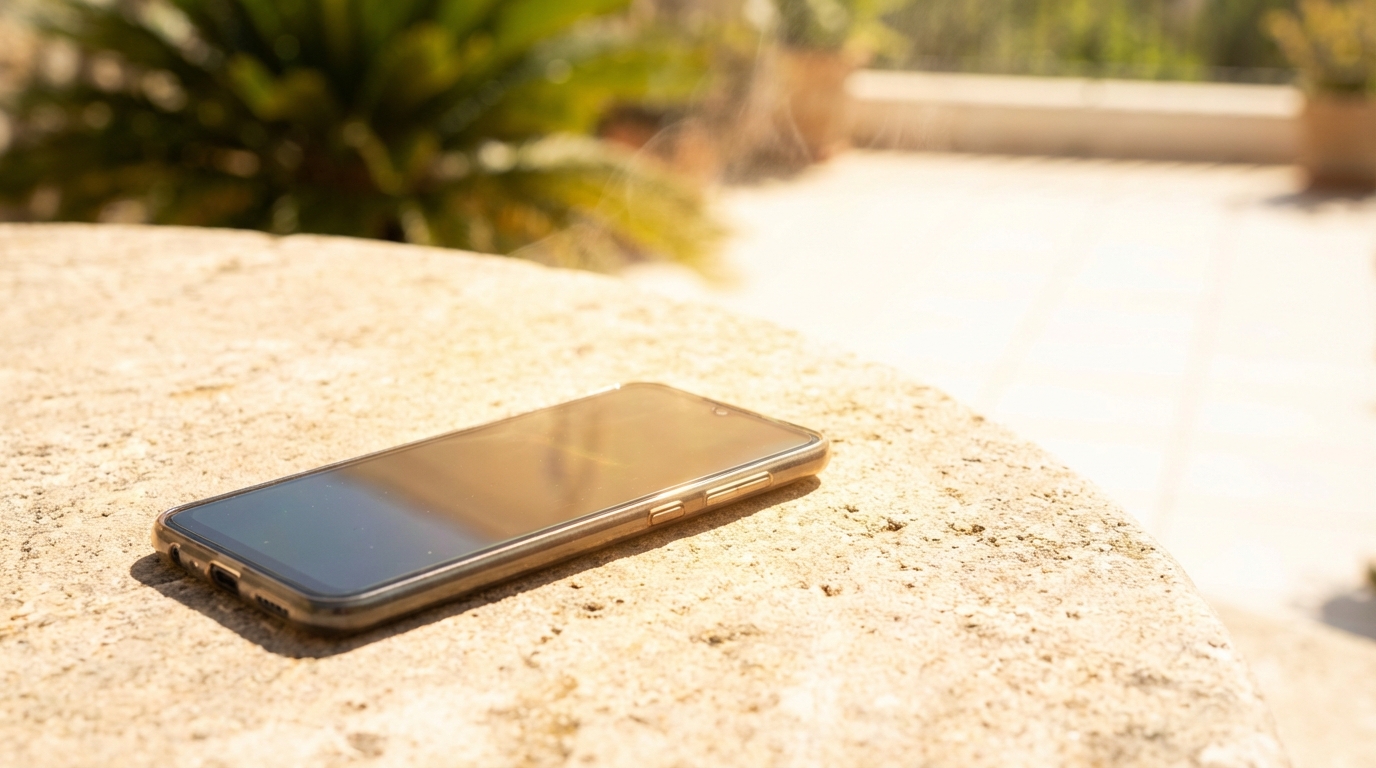
Smartphones are designed to work across many environments, but hot weather creates special challenges that can push these devices beyond their comfort zone. When outdoor temperatures rise, phones often feel warm to the touch, slow down, or display temperature warnings. These behaviors can be confusing and frustrating, especially when the phone seems to be doing normal tasks. Understanding why phones overheat in hot weather helps explain what is happening inside the device and how to reduce the risk of heat-related problems.
Heat buildup in a phone is rarely caused by a single factor. Instead, it usually comes from a combination of environmental heat, internal components working hard, and design limits meant to protect sensitive electronics. Modern phones are powerful computers packed into slim cases, which makes heat management more difficult. Hot weather reduces the ability of the phone to release heat, increasing the chances of overheating.
The Basics of Heat and Electronics
All electronic devices generate heat when electricity flows through their components. In a smartphone, this heat comes from the processor, battery, screen, and wireless radios. Under normal conditions, this heat spreads through the phone’s body and escapes into the surrounding air. When the surrounding air is already hot, that heat has nowhere to go.
Smartphones do not have fans or active cooling systems like laptops or desktop computers. Instead, they rely on passive cooling, which means heat naturally moves from warmer areas to cooler ones. In hot weather, the temperature difference between the phone and the air becomes smaller. As a result, heat escapes more slowly, allowing it to build up inside the device.
How High Temperatures Affect Phone Performance
Phones are built to operate within a specific temperature range, usually between about 32°F and 95°F. When temperatures rise above this range, internal sensors detect the heat and trigger protective measures. These measures are meant to prevent damage, but they can affect performance in noticeable ways. Common effects include slower app response, dimmer screens, and temporary shutdowns.
These performance changes are not signs of permanent damage. They are safety features designed to reduce heat production and protect internal components. Once the phone cools down, performance typically returns to normal. However, repeated exposure to extreme heat can still shorten the lifespan of the device.
Environmental Heat and Direct Sunlight
One of the most obvious causes of phone overheating in hot weather is the environment itself. Leaving a phone in direct sunlight, such as on a car seat or outdoor table, can quickly raise its temperature. Dark-colored phones and cases absorb more heat from sunlight, making the problem worse. Even a few minutes in direct sun can be enough to trigger a temperature warning.
High ambient temperatures also matter when the phone is not in direct sunlight. Hot air does not absorb heat from the phone efficiently, which slows down cooling. Activities like walking outside, sitting at the beach, or attending outdoor events can expose phones to prolonged heat. Over time, this steady exposure can raise internal temperatures beyond safe limits.
Processor Workload and Intensive Tasks
The processor, also called the CPU, is one of the biggest sources of heat in a smartphone. When the phone runs demanding tasks, the processor works harder and uses more power. This increased activity produces more heat inside the device. In hot weather, this extra heat can push the phone over its thermal limits.
Gaming and Graphics-Heavy Apps
Mobile games with advanced graphics place a heavy load on both the CPU and the graphics processor. These components may run at high speeds for long periods, creating steady heat. When combined with hot outdoor conditions, gaming can quickly cause overheating. This is why many phones reduce performance or close games automatically when they get too warm.
Streaming video, video editing, and augmented reality apps can have similar effects. Even though these tasks seem normal, they require constant processing. In cooler environments, the phone may handle them without issue, but hot weather reduces the margin for safe operation.
Background Processes and Multitasking
Phones often run many processes in the background, such as syncing data, updating apps, and tracking location. Each of these tasks uses a small amount of processing power. When many background tasks run at once, they can add to the overall heat output. In hot weather, this added heat can be enough to cause problems.
Multitasking, such as switching quickly between apps or using split-screen features, also increases processor activity. While each task may seem minor, the combined workload raises internal temperatures. Managing background activity becomes more important when temperatures are high.
Battery Chemistry and Heat Sensitivity
Smartphone batteries are highly sensitive to temperature changes. Most modern phones use lithium-ion batteries, which perform best at moderate temperatures. When exposed to heat, chemical reactions inside the battery speed up. This can cause the battery to warm even further, creating a cycle of rising temperature.
Excessive heat can reduce battery efficiency and capacity over time. While a single hot day is unlikely to cause serious damage, repeated exposure can shorten battery life. In extreme cases, heat can cause batteries to swell or degrade more quickly, leading to reduced performance.
Charging in Hot Weather
Charging a phone always generates some heat, even under ideal conditions. Electricity flowing into the battery creates resistance, which produces warmth. In hot weather, this normal charging heat adds to the already high internal temperature. Fast charging methods, which deliver more power in less time, generate even more heat.
Charging a phone while using it intensively, such as watching videos or navigating with GPS, further increases heat. The battery is both receiving and supplying power at the same time. In hot conditions, this combination can easily lead to overheating warnings or slow charging speeds.
Protective Phone Cases and Heat Trapping
Phone cases protect devices from drops and scratches, but they can also trap heat. Thick or poorly ventilated cases reduce airflow around the phone’s surface. This makes it harder for heat to escape into the surrounding air. In hot weather, this trapped heat can raise internal temperatures quickly.
Materials like rubber and silicone tend to hold heat more than thin plastic or metal. While metal cases can feel hot to the touch, they often spread heat more evenly. Choosing a case with heat management in mind can make a noticeable difference during warm conditions.
Network Activity and Signal Strength
Wireless communication is another hidden source of heat in smartphones. When signal strength is weak, the phone increases power to maintain a connection. This applies to cellular data, Wi-Fi, Bluetooth, and GPS. In hot weather, the extra power used to search for signals adds to overall heat generation.
Activities like streaming music, making video calls, or using navigation apps rely heavily on network connections. If these activities take place in areas with poor reception, the phone may work even harder. This increased effort can lead to overheating, especially when combined with high ambient temperatures.
Software Issues and System Bugs
Not all overheating problems are caused by hardware or environment alone. Software bugs or poorly optimized apps can cause excessive processor use. When an app runs in a loop or fails to shut down properly, it may keep the processor active for long periods. This constant activity generates unnecessary heat.
Operating system updates sometimes introduce temporary performance issues. While updates are meant to improve efficiency, new bugs can appear. Monitoring app behavior and keeping software updated can help reduce heat caused by software-related problems.
Thermal Sensors and Automatic Protection
Modern smartphones include multiple thermal sensors placed near key components. These sensors constantly monitor internal temperatures and report data to the operating system. When temperatures approach unsafe levels, the system takes action to reduce heat. These actions are automatic and designed to protect the device.
Performance Throttling
One common protective measure is performance throttling. This means the phone deliberately slows down the processor to reduce heat output. Users may notice slower app launches or reduced frame rates. While this can be frustrating, it helps prevent permanent damage.
Throttling usually stops once the phone cools down. The system gradually restores normal performance as temperatures return to safe levels. This process happens without user input and is an important part of heat management.
Temporary Shutdowns and Warnings
In more extreme cases, phones may display temperature warnings or shut down completely. These shutdowns are safety features meant to stop all heat generation. Once the device cools, it can usually be turned back on without issues.
Temperature warnings should be taken seriously. Ignoring them and continuing to use the phone can increase the risk of damage. Allowing the phone to rest in a cooler environment is the safest response.
Potential Long-Term Effects of Overheating
Occasional overheating is unlikely to cause immediate harm, but repeated exposure can have long-term effects. Heat accelerates wear on electronic components, including the battery and processor. Over time, this can lead to reduced performance and shorter device lifespan.
Battery health is especially affected by heat. Phones that frequently overheat may experience faster battery degradation. This can result in shorter usage times and more frequent charging, which further increases heat exposure.
Practical Ways to Prevent Overheating
Preventing phone overheating in hot weather often involves small changes in habits and environment. These steps focus on reducing heat generation and improving cooling. Simple adjustments can make a noticeable difference during warm days.
The following practical tips address common causes of overheating and help keep phones within safe temperature ranges.
- Avoid leaving phones in direct sunlight, especially inside vehicles.
- Limit intensive tasks like gaming or video recording during peak heat.
- Remove thick cases temporarily to improve heat dissipation.
- Charge phones in cool, shaded areas and avoid fast charging when it is very hot.
- Close unused apps and reduce background activity.
These steps work best when combined rather than used individually. For example, avoiding sunlight while also reducing processor load provides greater protection. Paying attention to both environment and usage patterns helps maintain safe operating temperatures.
Using Phones Safely During Outdoor Activities
Outdoor activities often increase the risk of overheating, especially during summer months. Activities like hiking, beach trips, and sports events expose phones to prolonged heat. Planning ahead can reduce the strain on the device and prevent interruptions.
Keeping the phone in a shaded bag or pocket instead of in open sunlight helps maintain cooler temperatures. Using the phone only when necessary also reduces heat generation. These habits allow continued use without pushing the device too hard.
Travel and Transportation Considerations
Travel introduces unique heat challenges for smartphones. Cars, buses, and trains can reach high temperatures quickly, even with air conditioning. Leaving a phone on a dashboard or seat can expose it to intense heat. This environment can cause rapid temperature spikes.
When traveling, storing the phone in a cooler area, such as a bag or center console, reduces heat exposure. Avoiding charging during long trips in hot conditions can also help. These choices minimize combined heat from both environment and charging.
Common Myths About Phone Overheating
Several myths surround phone overheating, leading to confusion about what actually causes the problem. One common myth is that overheating always means a phone is defective. In reality, overheating is often a normal response to challenging conditions. Understanding the facts helps users respond appropriately.
Another myth is that turning off all features is necessary whenever a phone feels warm. While reducing activity can help, moderate warmth is normal. Knowing the difference between normal heat and dangerous overheating prevents unnecessary concern.
When Overheating May Signal a Larger Problem
While heat is often caused by environment or usage, persistent overheating may indicate a deeper issue. Phones that overheat during light use or in cool conditions may have hardware or battery problems. In such cases, normal prevention steps may not be enough.
Signs of a larger problem include frequent shutdowns, swelling batteries, or extreme heat during basic tasks. Professional inspection or battery replacement may be necessary. Addressing these issues early helps prevent further damage.
Understanding why phones overheat in hot weather provides a clearer picture of how modern devices manage heat. Environmental factors, internal components, and usage habits all play important roles. Recognizing these influences allows for informed decisions that support safe and reliable phone use during warm conditions.