
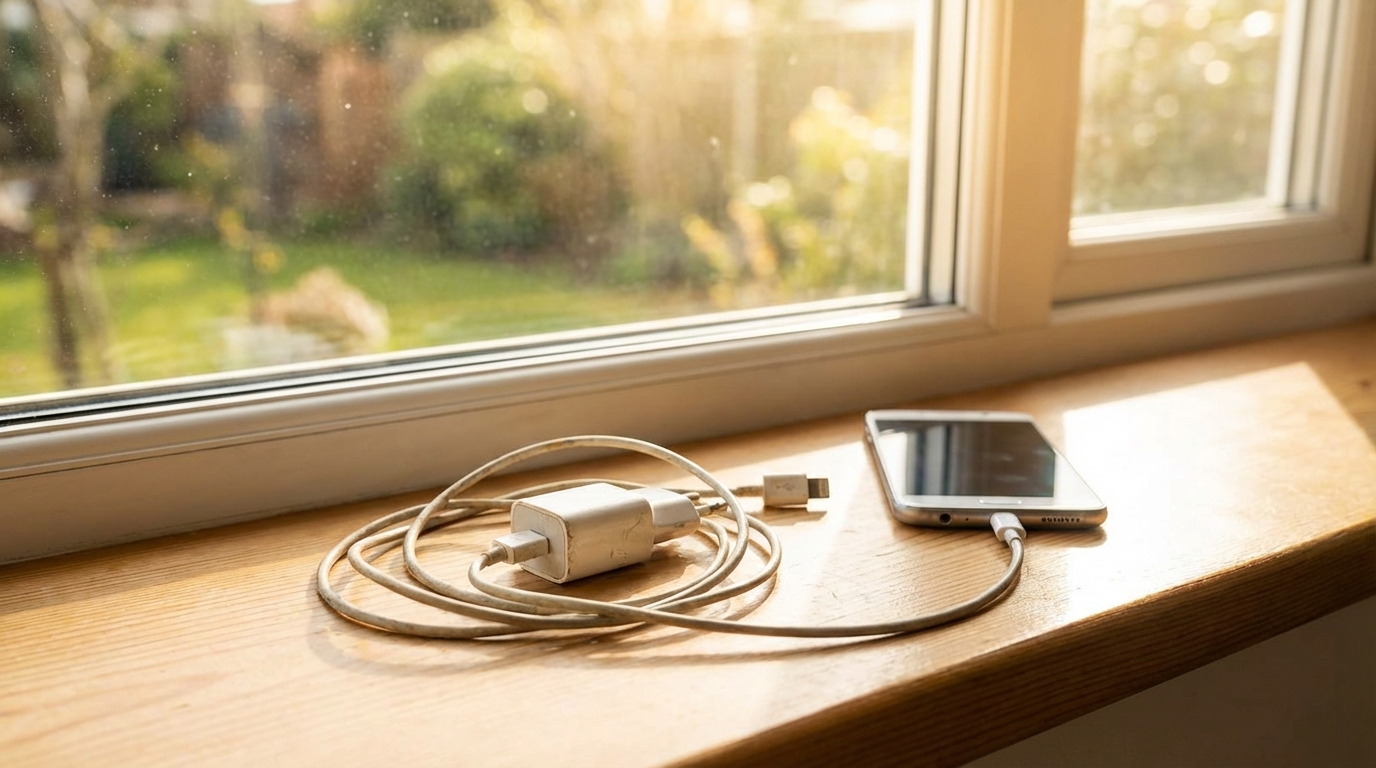
Charging a phone, tablet, or laptop often feels simple: plug it in and wait. When charging slows down or feels unreliable, the problem is often blamed on the device itself. In many cases, however, the charger is the hidden cause. Older chargers can struggle to keep up with modern power needs, leading to slower charging, heat, and even connection problems.
Technology changes quickly, and charging standards change along with it. A charger that worked well a few years ago may no longer be a good match for newer devices. Understanding how and why old chargers cause problems can help explain slow charging speeds and other common frustrations.
How Charging Speed Really Works
Charging speed depends on how much power moves from the outlet to the device battery. Power is measured in watts, which is calculated using voltage and current. Both the charger and the device must agree on how much power can safely flow at any given time.
When a charger cannot provide the power a device requests, the device automatically slows down charging to protect itself. This safety feature prevents damage, but it also means charging takes longer. Old chargers are more likely to fall short of modern power expectations.
The Role of the Charger
The charger controls how electricity is converted from wall power into something a device can use. Inside the charger are components that regulate voltage and current. Over time, these parts can wear down or become less efficient.
An older charger may still work, but it may not deliver stable power. Small drops in voltage or current can add up, causing charging to slow without fully stopping.
The Role of the Device
Modern devices are designed to protect their batteries. They constantly monitor the power coming in and adjust charging speed as needed. If a charger looks unreliable or weak, the device reduces power intake.
This behavior can make it seem like the device is the problem. In reality, the device is responding correctly to a charger that cannot meet its needs.
Wear and Tear Inside Old Chargers
Chargers contain electronic components that age over time. Heat, dust, and repeated use all contribute to gradual wear. Even if a charger looks fine on the outside, its internal parts may no longer perform as designed.
As components age, they may lose efficiency. This means more energy is wasted as heat instead of being delivered to the device, which directly affects charging speed.
Capacitors and Aging
Capacitors store and release energy to keep power flowing smoothly. Over time, capacitors can dry out or degrade. When this happens, power delivery becomes less stable.
Unstable power causes devices to slow charging or pause it entirely. This is a common reason why very old chargers feel unpredictable.
Heat Damage Over Time
Every charging session produces some heat. Older chargers often run hotter because they are less efficient. Repeated heat exposure weakens internal connections and materials.
As heat damage builds up, the charger may still function but deliver less power than it once did. This gradual change is easy to miss until charging becomes noticeably slow.
Cable Problems Linked to Old Chargers
Charging speed depends not only on the charger block but also on the cable. Many older chargers use cables that were not designed for higher power levels. Even small cable issues can reduce charging performance.
Cables are often bent, twisted, and pulled during daily use. Over time, this physical stress affects the wires inside.
Internal Wire Damage
Inside a cable are thin wires that carry power and data. Repeated bending can cause these wires to break or weaken. Damage may not stop charging, but it can limit how much current flows.
When current is restricted, charging slows down. Devices may also disconnect and reconnect repeatedly, further reducing effective charging time.
Outdated Cable Standards
Older cables may not support modern fast-charging standards. For example, early USB cables were designed for much lower power levels. Using them with newer devices creates a bottleneck.
Even when paired with a capable charger, an outdated cable can limit charging speed. This makes it hard to tell whether the charger or cable is the main issue.
Changes in Charging Standards
Charging standards have evolved to support faster and safer power delivery. Newer devices expect chargers to follow these standards. Old chargers often lack support for modern protocols.
When standards do not match, devices fall back to slower, basic charging modes. This ensures safety but reduces speed.
USB Evolution
USB charging has changed from basic low-power formats to advanced systems that adjust power on the fly. Older chargers may only support early USB versions. These versions deliver much less power.
As devices grow larger batteries and faster processors, they need more energy. Old USB standards simply cannot keep up.
Fast Charging Protocols
Many modern devices use special fast-charging protocols. These allow higher power levels when conditions are safe. Old chargers usually do not support these protocols.
Without protocol support, devices charge at the slowest safe speed. This can make a new phone charge like an old one.
Power Output Limits of Old Chargers
Every charger has a maximum power rating. Older chargers were designed for devices with smaller batteries and lower power needs. As a result, their output limits are often too low for today’s devices.
When a charger reaches its maximum output, it cannot go any faster. The device must wait, even if it could accept more power.
Wattage Mismatch
Many older phone chargers provide 5 watts or less. Modern smartphones often expect 18 watts or more for fast charging. This mismatch leads to long charging times.
The charger is not broken in this case. It is simply outdated and underpowered.
Shared Power Issues
Some older chargers have multiple ports that share a single power source. When more than one device is plugged in, power is divided. This further slows charging.
Newer chargers often manage power distribution more efficiently. Older designs struggle when asked to do the same.
Safety Features That Slow Charging
Safety is a top priority in modern devices. If a charger behaves in unexpected ways, devices reduce charging speed to prevent damage. Old chargers are more likely to trigger these safety responses.
Even small irregularities can cause a device to limit power intake. This is done automatically and without warning.
Voltage Fluctuations
Older chargers may produce small voltage spikes or drops. While these may not be dangerous, devices detect them as unstable conditions. Charging speed is reduced as a precaution.
This constant adjustment makes charging feel slow and inconsistent.
Overcurrent Protection
If a charger cannot provide steady current, devices may activate overcurrent protection. This limits how much power is drawn. The result is slower charging.
New chargers are better at maintaining stable current, reducing the need for such limits.
Heat and Its Impact on Charging Speed
Heat is one of the biggest enemies of efficient charging. Old chargers often generate more heat due to inefficiency. Devices respond to heat by slowing charging.
This is especially noticeable during long charging sessions or in warm environments.
Thermal Throttling
When temperatures rise, devices activate thermal throttling. This reduces charging speed to prevent battery damage. An old charger that runs hot can trigger this response.
Even if the device feels only slightly warm, internal sensors may already be limiting power.
Battery Protection
Batteries degrade faster when exposed to heat. Devices are designed to protect their batteries by slowing charging under hot conditions. Old chargers make this situation more common.
This protective behavior helps battery health but extends charging time.
Environmental and Usage Factors
The way a charger is used affects how quickly it ages. Old chargers have often been exposed to less-than-ideal conditions. These factors combine to reduce performance.
Understanding these influences helps explain why two similar chargers may behave differently.
Dust and Debris
Dust can enter charger ports and vents over time. This reduces cooling and increases heat buildup. Heat, in turn, reduces efficiency.
Old chargers are more likely to have accumulated dust simply due to age.
Frequent Travel and Stress
Chargers used for travel are often packed tightly and used in many outlets. This physical stress can loosen internal connections. Loose connections increase resistance and slow charging.
Newer chargers are often designed to better handle this kind of use.
Software and Compatibility Issues
Modern devices rely on software to manage charging. This software expects certain responses from the charger. Old chargers may not communicate correctly.
When communication fails, devices choose the safest, slowest option.
Handshake Failures
Charging often begins with a digital handshake between the charger and device. This handshake sets power limits. Old chargers may not respond properly.
As a result, devices default to low-power charging modes.
Firmware Updates
Device updates sometimes change charging behavior. New features may assume modern chargers. Old chargers may no longer meet updated expectations.
This can make charging slower after a software update, even if the charger once worked well.
Wall Adapters vs. USB Ports
Old chargers are not limited to wall adapters. Many people still use USB ports on computers or power strips. These sources often provide less power.
As devices evolve, these older power sources become less suitable.
Computer USB Ports
Older computer USB ports were designed for data, not fast charging. They often supply very limited power. Charging from these ports can take many hours.
Modern devices may even display warnings when connected to such ports.
Power Strips and Hubs
Some power strips include USB ports with low output. These ports are often based on older charging designs. Using them with new devices results in slow charging.
Replacing the charger alone may not help if the power source itself is outdated.
Common Signs an Old Charger Is Slowing Things Down
Recognizing the signs of an outdated or failing charger can save time and frustration. These signs often appear gradually. Paying attention to them helps identify the true cause of slow charging.
The following points highlight common warning signs.
The most common signs include:
- Charging takes much longer than it used to with the same device.
- The charger or cable feels unusually warm during use.
- The device connects and disconnects while charging.
- Fast charging features never activate.
- Charging slows down when the device is being used lightly.
These signs do not always mean the charger is unsafe. They do suggest that it may no longer meet current charging needs. Testing with a newer charger often reveals a clear difference.
Choosing a Better Replacement Charger
Replacing an old charger can improve charging speed and reliability. The key is choosing a charger that matches the device’s needs. Looking at power ratings and standards helps avoid future issues.
A thoughtful replacement can also improve safety and reduce heat.
Matching Power Requirements
Devices list recommended charging power in their specifications. Choosing a charger that meets or slightly exceeds this rating allows optimal performance. Underpowered chargers limit speed.
Overpowered chargers are usually safe because devices control how much power they accept.
Quality and Certification
Certified chargers are tested for safety and performance. Low-quality chargers may claim high power but fail to deliver it reliably. This can recreate the same problems as old chargers.
Choosing reputable brands reduces the risk of slow charging and overheating.
Safe Handling and Disposal of Old Chargers
Old chargers should not be ignored or thrown carelessly into storage. Aging electronics can pose safety risks if damaged. Proper handling helps prevent problems.
Understanding how to manage old chargers is part of responsible device care.
When to Stop Using a Charger
Chargers with cracked cases, exposed wires, or unusual smells should not be used. These signs indicate internal damage. Continuing to use such chargers can be unsafe.
Even without visible damage, consistently poor charging performance is a reason to retire a charger.
Recycling Options
Many electronics recycling programs accept chargers and cables. Recycling keeps harmful materials out of landfills. It also supports the recovery of useful metals.
Proper disposal is safer than keeping unused, aging chargers around.